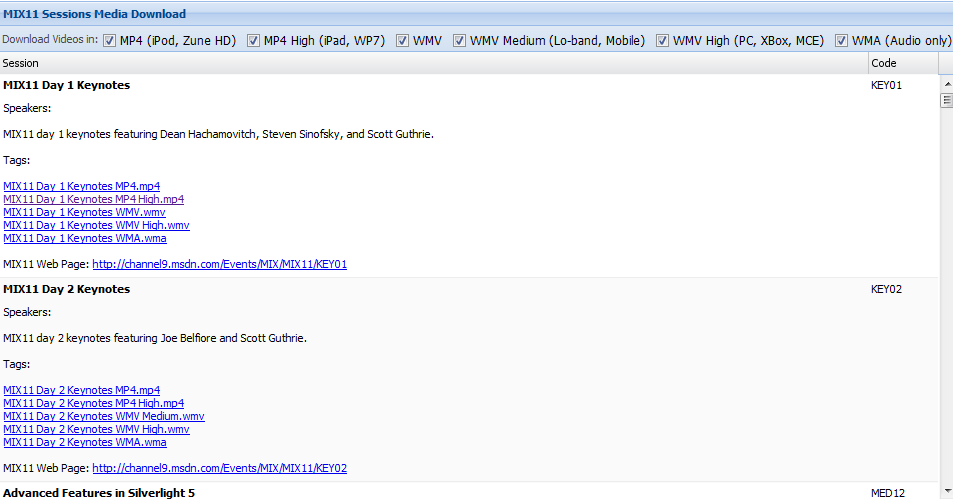
If you need a really clean way to download the great video content (MP4’s, WMV’s, etc.) from the MIX11 conference last week, checkout the URL: http://mix11.connectionroad.com. Basically, it gives you a page full of links that you can customize. That is, using the checkboxes on the top you can say give me all the MP4 High Definition Files for my IPad and the web page will refresh with just those links enabled. Then, after installing the DownThemAll Firefox Add-on, you simply say (in Firefox) “Alt” Tools/DownThemAll, make sure you set the Rename Mask to *flattext* and then press the start button. Depending on your internet connection, you’ll end up with all the videos nicely tucked away in a directory on your computer with the filenames cleaned up versions of the session titles. That’s better than going to the mix site and getting filenames like:
EXT12.mp4
you get:
DotNetNuke and Azure_ Taking Your Business to the Cloud Low Quality .mp4
For complete instructions, check out the blog post here: http://connectionroad.com/articles/211/download-the-mix11-videos-all-at-once-10-at-a-time-if-you-want/