After adding the RSS feed to our Silicon Valley Code Camp Web site I noticed that the feed was not discoverable by Internet Explorer. That is, the little RSS Icon on the toolbar was not finding it.
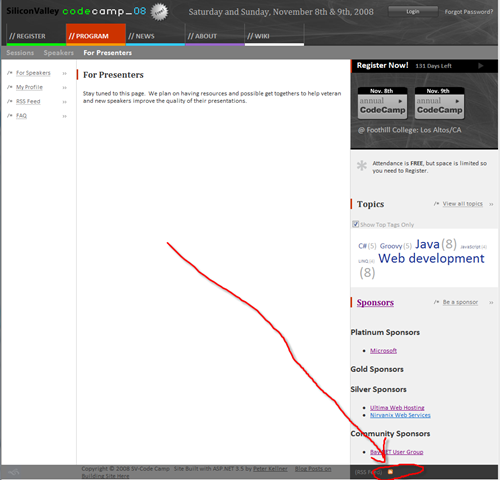
After a little searching around, I discovered that a header tag was needed. Further searching found a nice web site that helped create this header tag for me.
http://www.feedforall.com/autodiscovery.htm
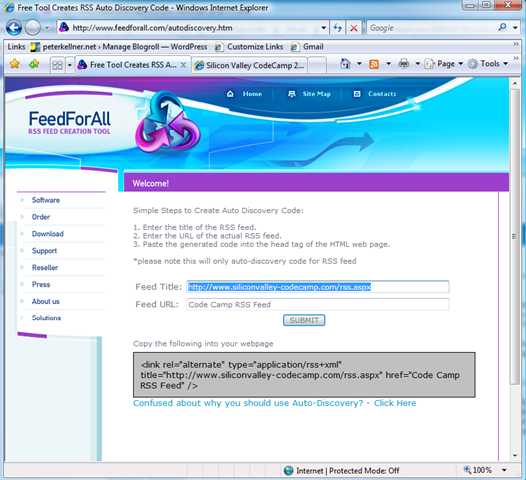
Then, all I had to do was add that tag to my master page and the page is now discoverable!
1: <html xmlns="http://www.w3.org/1999/xhtml">
2: <head id="Head1" runat="server">
3: <title>Silicon Valley Codecamp 2008</title>
4: <link rel="alternate" type="application/rss+xml"
5: title="Code Camp Rss Feed"
6: href="http://www.siliconvalley-codecamp.com/Rss.aspx" />
7: </head>
Lines 4-6 are the header tag created by the autodiscovery tool listed above.
That's it. Hope this helps. I did not include it in my series on building the code camp web site because it seemed kind of a small point.